
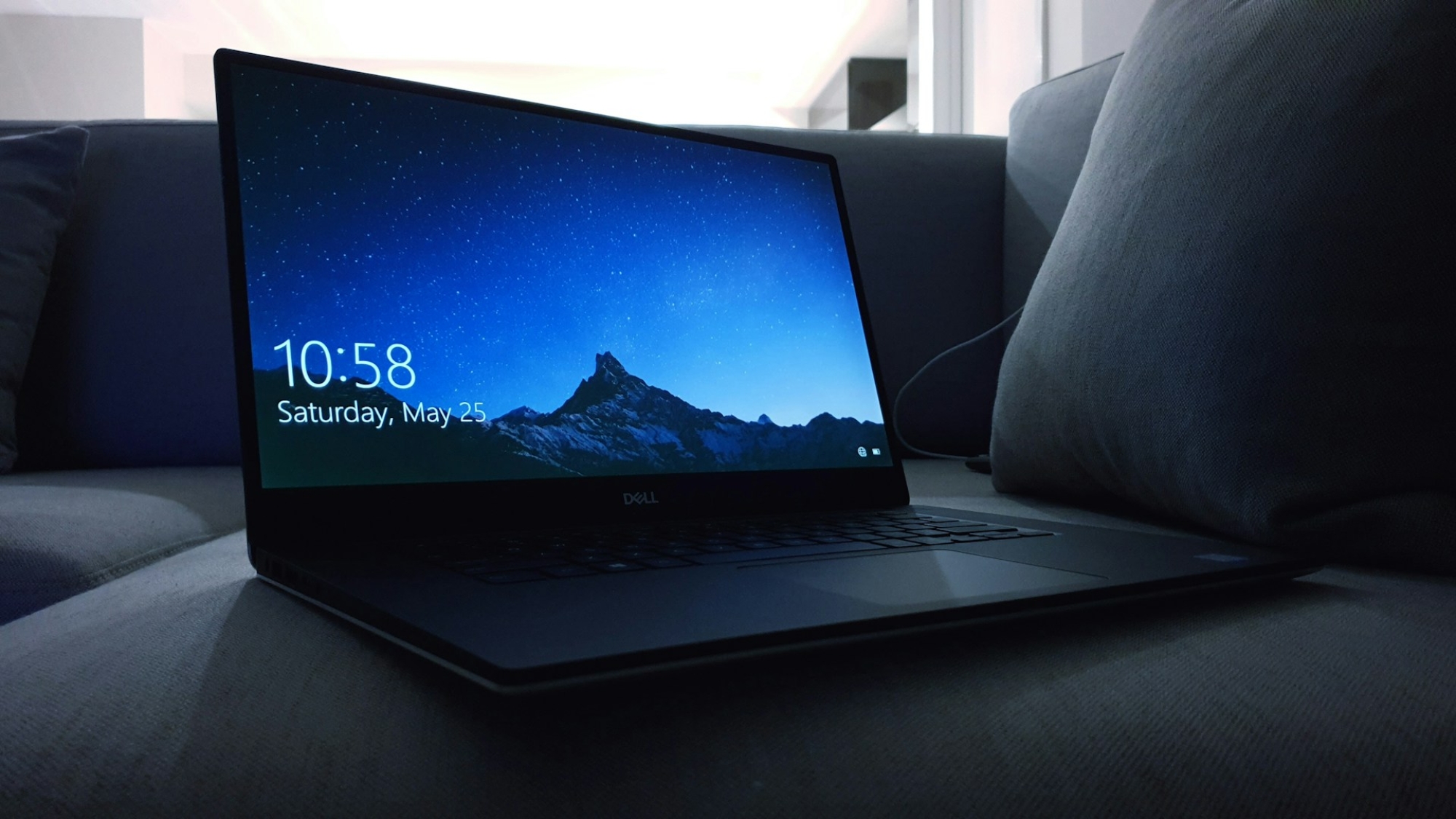
A laptop running hot is often a sign of underlying issues that, if ignored, could lead to hardware damage or reduced performance. Modern laptops are designed to operate efficiently, but several factors can cause overheating. Here’s a closer look at why your laptop might be running hot and what you can do to fix it.
1. Poor Ventilation
Laptops rely on airflow to keep internal components cool. Dust buildup in the vents or placing your laptop on soft surfaces like a bed or couch can block airflow, causing heat to build up.
Solution: Use compressed air to clean out dust from vents and fans. Always place your laptop on a flat, hard surface to allow proper ventilation. Consider investing in a cooling pad for added airflow.
2. High CPU or GPU Usage
Resource-intensive applications like video editing, gaming, or having too many browser tabs open put a great load on the processor and graphics card, which in turn produce a lot of heat.
Solution: Shut down all unnecessary programs and check resource usage with Task Manager (Windows) or Activity Monitor (Mac). This will lower the graphics settings for gaming or intensive applications.
3. Outdated or Failing Hardware
With time, components such as the battery or thermal paste that facilitates heat transfer from the CPU to the heatsink deteriorate and become less effective at dissipating heat.
Solution: Replace your battery if it’s in bad health, and if the problem of overheating persists, have the thermal paste replaced by a technician to ensure better heat dissipation.
4. Faulty or Dirty Fans
Fans are crucial for your laptop to keep cool. If they are clogged with dust, running at low speed, or malfunctioning, the system will struggle to stay cool.
Solution: Listen for unusual fan noises or check their speed using software tools. Clean the fans or have them replaced by a professional if they aren‘t working properly.
5. Software or Firmware Issues
Sometimes, this could happen when your system operates under unsupported software or missing firmware. Overheating may occur when it overstresses itself unnecessarily.
Solution: Regular updating of the operating system, drivers, and firmware will provide room for efficient performance.
Conclusion
A hot laptop isn’t just a minor annoyance—it can signal serious issues that may shorten your device’s lifespan. By addressing ventilation, resource usage, hardware, and software updates, you can keep your laptop cool and functioning optimally. If these steps don’t resolve the problem, consult a professional technician to prevent long-term damage.